For Restaurants, Cafes & Fast Food

The Premium Digital Menu for Restaurants.

Turn any WordPress website into a beautiful, multilingual QR menu. Give guests a faster way to browse — and give your team full control, without plugin stacks or SaaS complexity.

  • WordPress 6.2+
  • No Plugins
  • Mobile First
  • Unlimited Languages
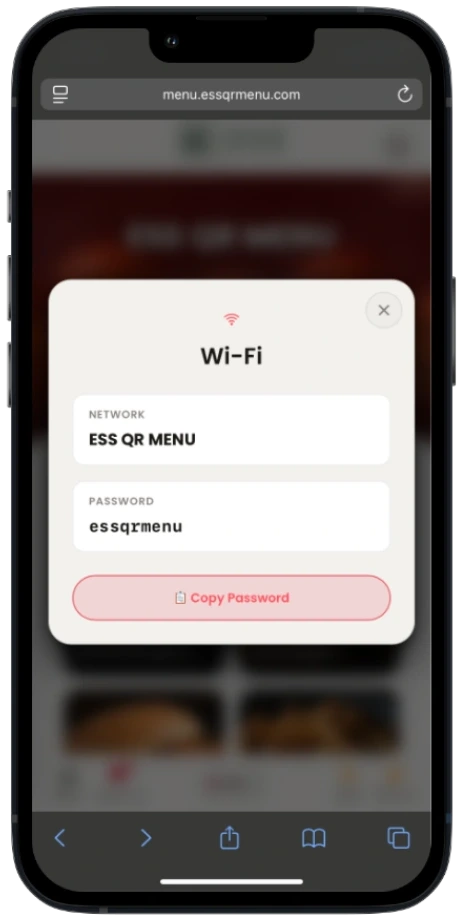
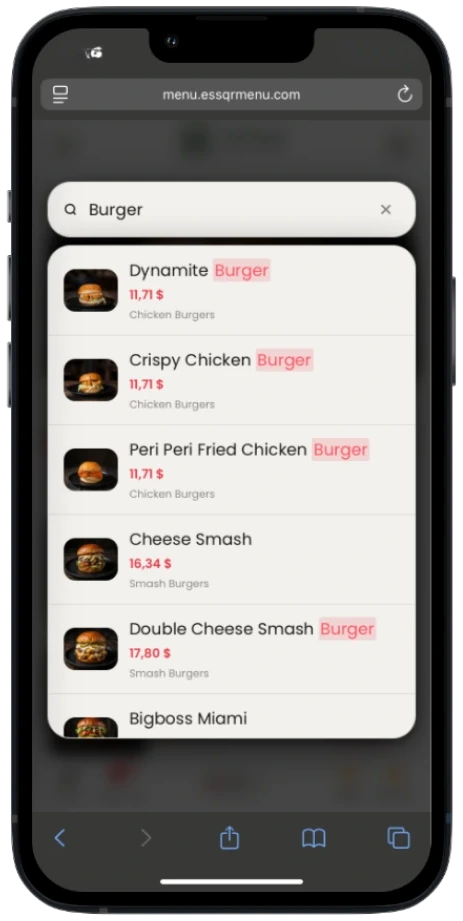
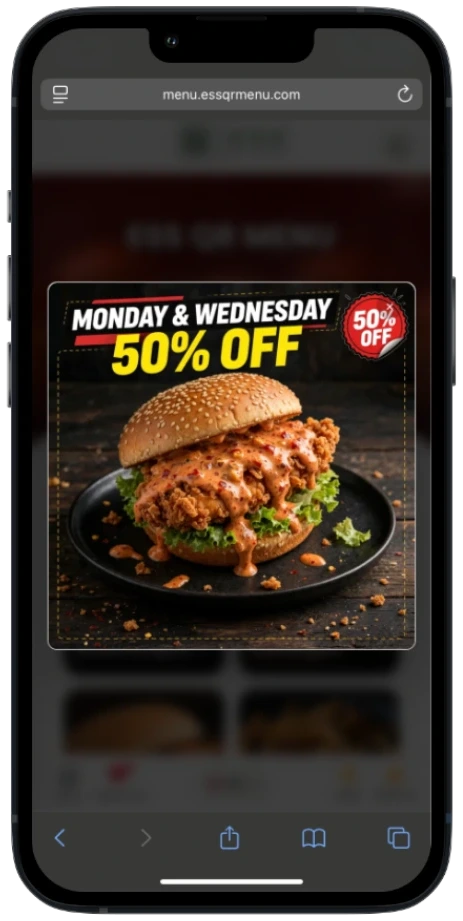
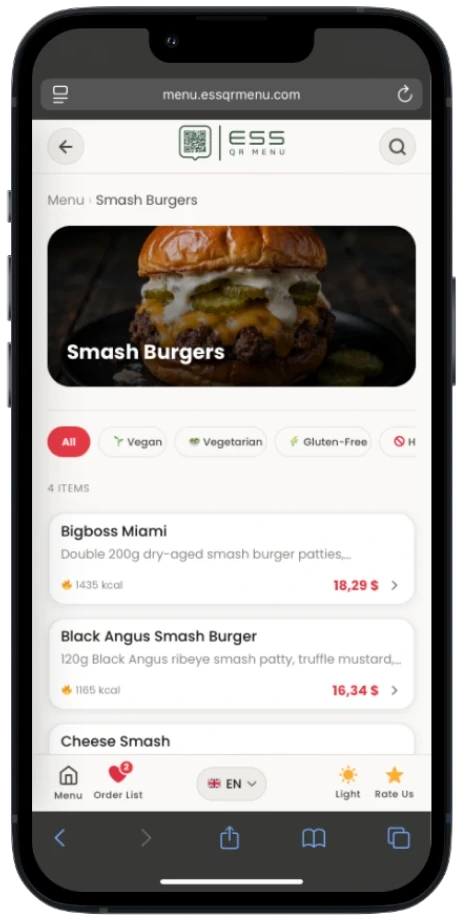
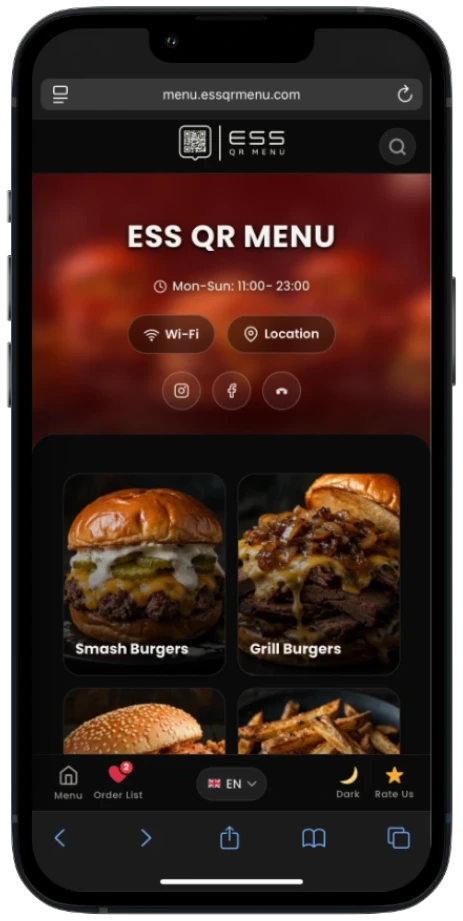
ESS QR Menu preview on an iPhone

Why ESS QR Menu?

Built Around What Actually Matters.

Beautiful on Every Phone

Mobile-first menu experience, designed specifically for the moment a guest scans your QR code.

Update Your Menu in Seconds

Change prices, photos, categories, and availability instantly — no re-exporting or reprinting a PDF.

Serve Guests in Their Language

Multilingual content, full RTL support, and AI-assisted translation — every guest reads in their own language.

Own Your Menu

WordPress-based, plugin-free architecture — no separate SaaS platform, no monthly subscription to keep your menu online.

See It In Action

Try the Real Menu.

This isn't a mockup — it's the actual product, live. Scan the code or open it on your phone and explore it yourself.

  • Switch the language
  • Change the menu layout
  • Open a dish for full detail
  • Add items to the Order List
  • Try it on your own phone
Open Live Demo →

Unlimited Multilingual Menu

Every Guest Reads In Their Own Language.

On setup, your WordPress site's language becomes the default automatically — nothing is forced on you. Add as many additional languages as you like from 20 ready-made options, including Arabic, German, Spanish, French, Italian, Russian, Chinese, and Japanese.

  • One-click AI translation — free by default via MyMemory, or bring your own OpenAI, Gemini, or LibreTranslate key
  • Full RTL layout support for Arabic, Persian, Urdu, and Hebrew
  • Separate name, description, and notes per language for every item
Multilingual menu settings preview

Four Menu Layouts, One Click Away

Show Your Menu However Suits You.

Switch between four distinct browsing experiences — Photo cards for visual impact, Compact rows for fast scanning, a Classic list with small thumbnails, or a Pinterest-style Masonry gallery. Visitors can pick their own preferred view too.

  • Photo, Compact, Classic List, and Masonry views — all built in
  • Instant switching, no page reload
  • Looks sharp on every screen size
Four menu layout options preview

Rich Product Detail, Built In

Every Dish Tells Its Own Story.

Tapping an item opens a detailed view with calories always visible, an optional protein/carb/fat breakdown, spice level, 14 allergen icons, and 7 diet & feature badges — including Halal.

  • "Goes Well With" pairing suggestions and "Customers Also Liked" cross-sell
  • Chef's Recommendation and Sold Out states
  • Optional video for any menu item
Product detail view preview

A Digital Order List, Not a Checkout

Ordering Made Effortless.

Guests build a running list of what they like with one tap — perfect for showing a waiter. A sliding panel keeps a live total for price, calories, and macros. It's not a payment flow — it's a faster, friendlier way to order.

  • Persists across page reloads
  • Live price, calorie, and macro totals
  • No checkout, no payment integration required
Digital order list preview

A Complete Toolkit

Everything a Modern Menu Needs.

Guest Experience

Light & Dark Mode

Automatic or manual switching based on visitor preference — your menu stays sharp and legible in any lighting.

PWA & Mobile-First

Guests can add your menu to their home screen like an app. Built mobile-first for the exact moment a QR code gets scanned.

3 Industry Themes

Restaurant, Cafe, and Fast Food — each with its own font pairing and accent color, fully customizable to your brand.

Restaurant Info at a Glance

WiFi name and password, a Google Maps link, multilingual opening hours, and social links — Instagram, Facebook, TikTok, TripAdvisor.

Menu Management

Smart Category Management

Drag-and-drop ordering, subcategories, and time-based visibility — a breakfast menu can appear only between 08:00–12:00, automatically.

Quick Price Editor & Inline Edit

Update every price across all categories from one screen, or edit price, calories, status, and photos right from the item list.

Bulk CSV Import

Add or update hundreds of items at once with a ready-made template — missing categories are created automatically.

Setup Wizard & Demo Content

Guided first-time setup — name, logo, languages, and industry theme — plus one-click sample content to see it live instantly.

Print-Ready Menus

5 frame styles — Classic, Art Deco, Minimal, Ottoman, Modern. Print straight to PDF from the browser, or export CSV for InDesign.

Marketing & Insights

Promotion Tools

A rotating banner slider, a fully customizable popup, a multilingual GDPR/cookie banner, WhatsApp sharing, and a Google review button.

Know What Guests Are Looking At

See your most-viewed dishes and busiest categories at a glance — total items, categories, views, and order-list adds, plus a top-10 most-viewed list.

Built for WordPress

Automatic Image Optimization

Every uploaded photo is compressed and converted to WebP automatically — plus a bulk optimizer for your existing library.

Licensed Auto-Updates

Update from Appearance → Themes with one click. Every feature works in full without a license key — it's only needed for update notifications.

Built-In Security

Follows WordPress core security standards throughout, with zero plugin dependencies to install or maintain.

Live in Three Steps

Setup Takes Less Than a Coffee Break.

01

Install & Run the Wizard

Install the theme, then set your restaurant name, logo, languages, and industry theme in the guided setup wizard.

02

Add Your Menu

Add items one by one, or bulk-import hundreds at once via CSV. Photos, allergens, and diet badges are all just a click away.

03

Paste the QR Code

Place the generated QR code on your tables. Guests scan it, and your menu opens in seconds.

3 Ready-Made Industry Themes

One Menu. Three Brand Directions.

Each theme ships with its own font pairing and color palette — switch between them in one click.

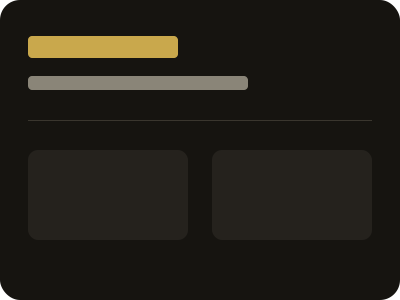
Restaurant theme preview — elegant, serif typography, gold accents

Restaurant

Elegant, serif typography, gold accents — a fine-dining atmosphere.

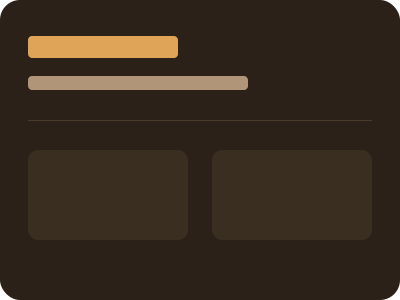
Cafe theme preview — warm and inviting

Cafe

Warm, inviting tones — the feel of a welcoming third space.

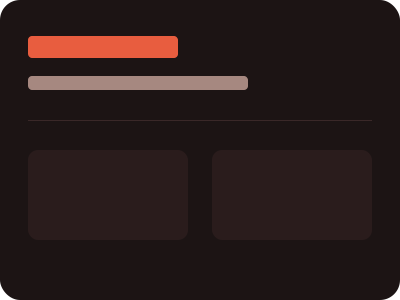
Fast food theme preview — energetic, bold colors

Fast Food

Energetic, bold colors — a visual language built for quick decisions.

Built Solid

As Strong Under the Hood As It Looks.

Secure, reliable, and easy for your team to manage — without extra plugins to worry about.

  • Nonce-Protected Endpoints — every AJAX request is verified before it runs.
  • Sanitized Input Everywhere — output follows WordPress core standards throughout.
  • Zero Plugin Dependencies — one theme, nothing else to install or maintain.
  • Automatic WebP Optimization — every photo compressed and converted on upload.
  • PWA & Mobile-First — built for the moment a QR code gets scanned, not adapted after.
  • Accessibility-Aware — reduced-motion support and safe-area handling for notched phones.

The Alternative to Paper Menus

Your Menu Deserves Better Than a PDF.

Traditional PDF ESS QR Menu
Difficult to browse on a phoneMobile-first experience
Re-export after every price changeEdit instantly, live
Limited language supportMultilingual, built in
Static documentInteractive menu
No real guest interactionProduct details + Order List
Nothing to installInstallable as an app (PWA)
No insight into what's viewedBuilt-in menu analytics

Common Questions

Frequently Asked Questions

It's a WordPress theme you install on your own site and hosting — not a hosted platform. There's no separate service to log into; everything runs on the WordPress install you already have.

No. ESS QR Menu is a one-time purchase — there's no recurring fee to use the theme on your site.

No. Every feature — multilingual menus, PWA, analytics, CSV import — is built directly into the theme itself. Nothing extra to install.

No. The guided setup wizard walks you through your restaurant name, logo, languages, and industry theme — no code required for everyday use.

Yes. Each industry theme ships with its own font pairing and accent color, both fully customizable from the theme settings — and your logo is one of the first things you set in the setup wizard.

There's no fixed limit. Choose from 20 ready-made languages, and use built-in AI translation — free by default via MyMemory, or your own OpenAI, Gemini, or LibreTranslate key — to translate new ones automatically.

No — every feature works in full without one. A license key is only needed if you want automatic update notifications delivered straight to your WordPress dashboard.

WordPress 6.2+ and PHP 7.4+ — that's it. It runs comfortably on shared hosting, including the very server this demo is hosted on.

Yes. Import hundreds of items at once with the built-in CSV importer and its ready-made template — missing categories are created automatically.

No — ESS QR Menu is a digital menu with an Order List, not a payment platform. Guests build a list to show their server; there's no checkout or payment integration involved.

Not natively. ESS QR Menu focuses on the guest-facing menu experience rather than back-of-house POS integration.

ESS QR Menu follows WordPress core coding standards and has zero plugin dependencies, so routine WordPress core updates aren't expected to break your menu.

GPL-2.0-or-later, fully compatible with the WordPress ecosystem.

Ready When You Are

Beautiful for Guests. Simple for Staff. Owned by You.

Give your guests a faster, more beautiful way to explore your menu. See pricing and check out securely, right on this site.